
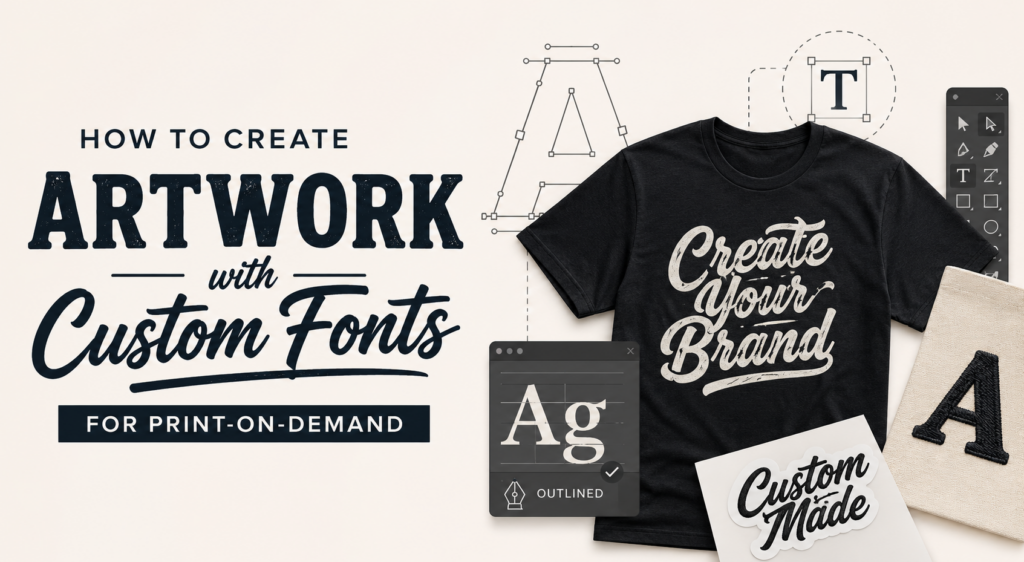
You don’t need a complicated graphic to make a great piece of apparel.
“A few words, the right font, and a good placement are all it takes.” – Groobies, CEO of Apliiq
Text-based designs are simple to create, but they don’t have to look basic. The right words and typography can turn a simple idea into a product people actually want to wear.
With Apliiq’s Customizer, you can create text-based artwork directly on your product instead of designing it in a separate program. You can also load fonts directly from your computer and use them on your products.
See the 5 ideas below to use fonts as artwork.
1. Turn a Belief Into a T-Shirt
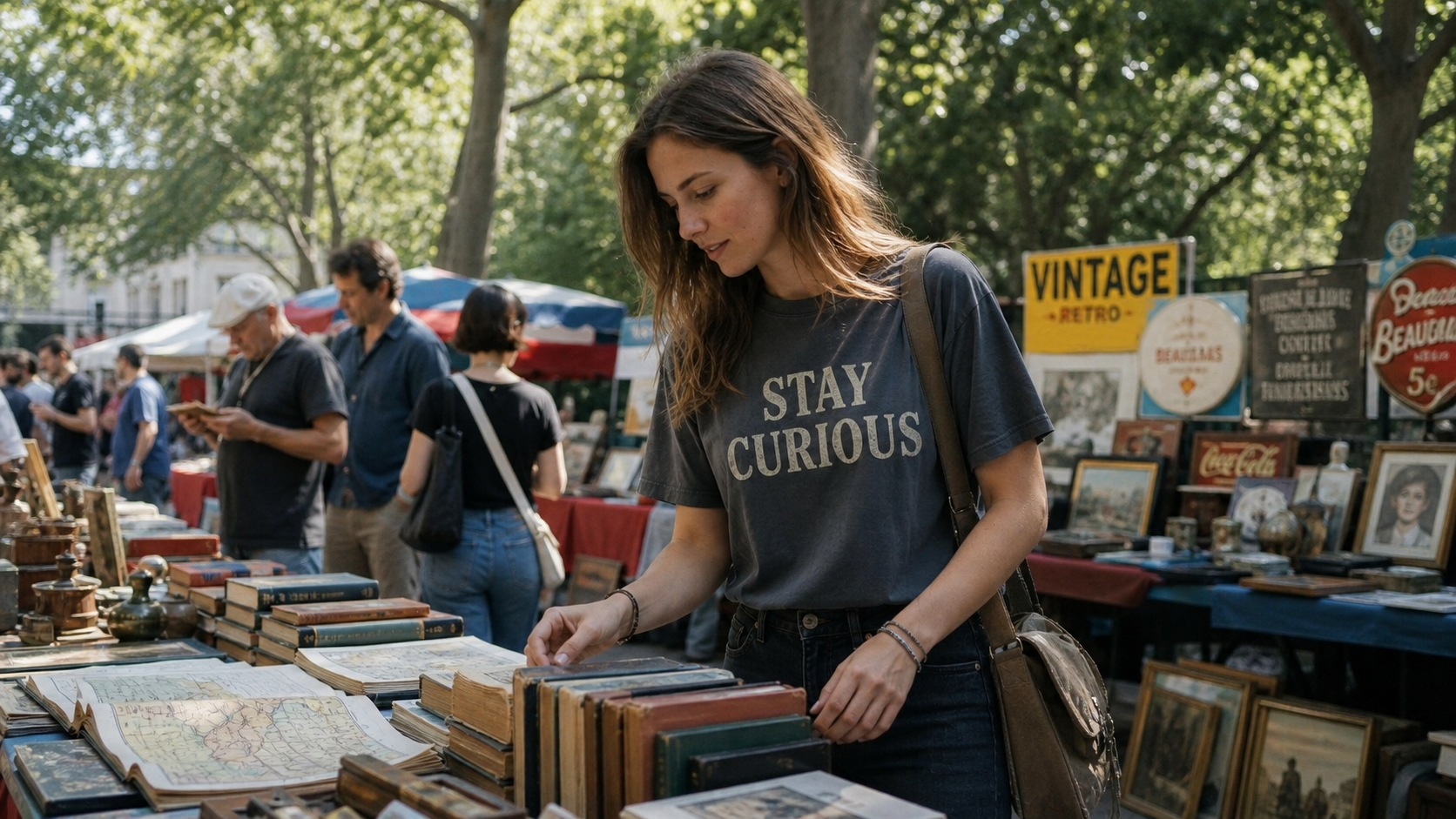
Think about what your customers believe in or what your brand stands for.
It could be a mindset, lifestyle, or simple statement:
- Stay Curious
- Made to Create
- Keep Moving
- Less Is More
Keep the message short and let the typography do the work. A bold sans-serif can make a statement feel confident, while a serif can give it a more refined look.
For placement, start with the basics. Center-chest and left-breast placements are simple ways to turn a short phrase into a wearable design.
2. Build a Design Around an Ideal
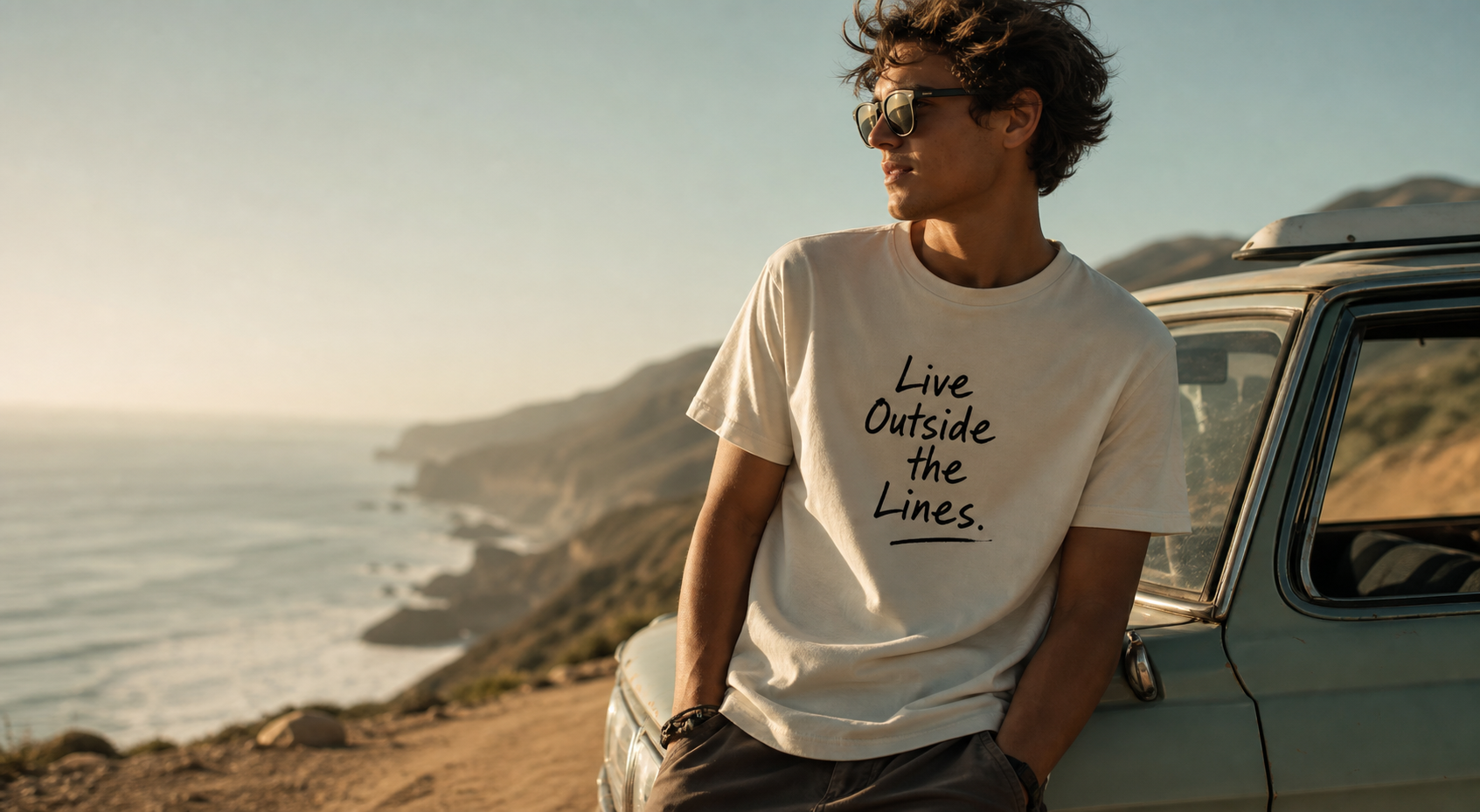
Your customers may have a lifestyle they’re working toward or an idea they want to identify with. Turn that into the message on your product.
For example:
Create More. Consume Less.
Built for the Long Run.
Live Outside the Lines.
You don’t need an illustration when the words already communicate the idea.
This works especially well for brands with a clear point of view. Find a message your audience connects with, then choose a font that matches it.
3. Put a Great Quote on a Shirt
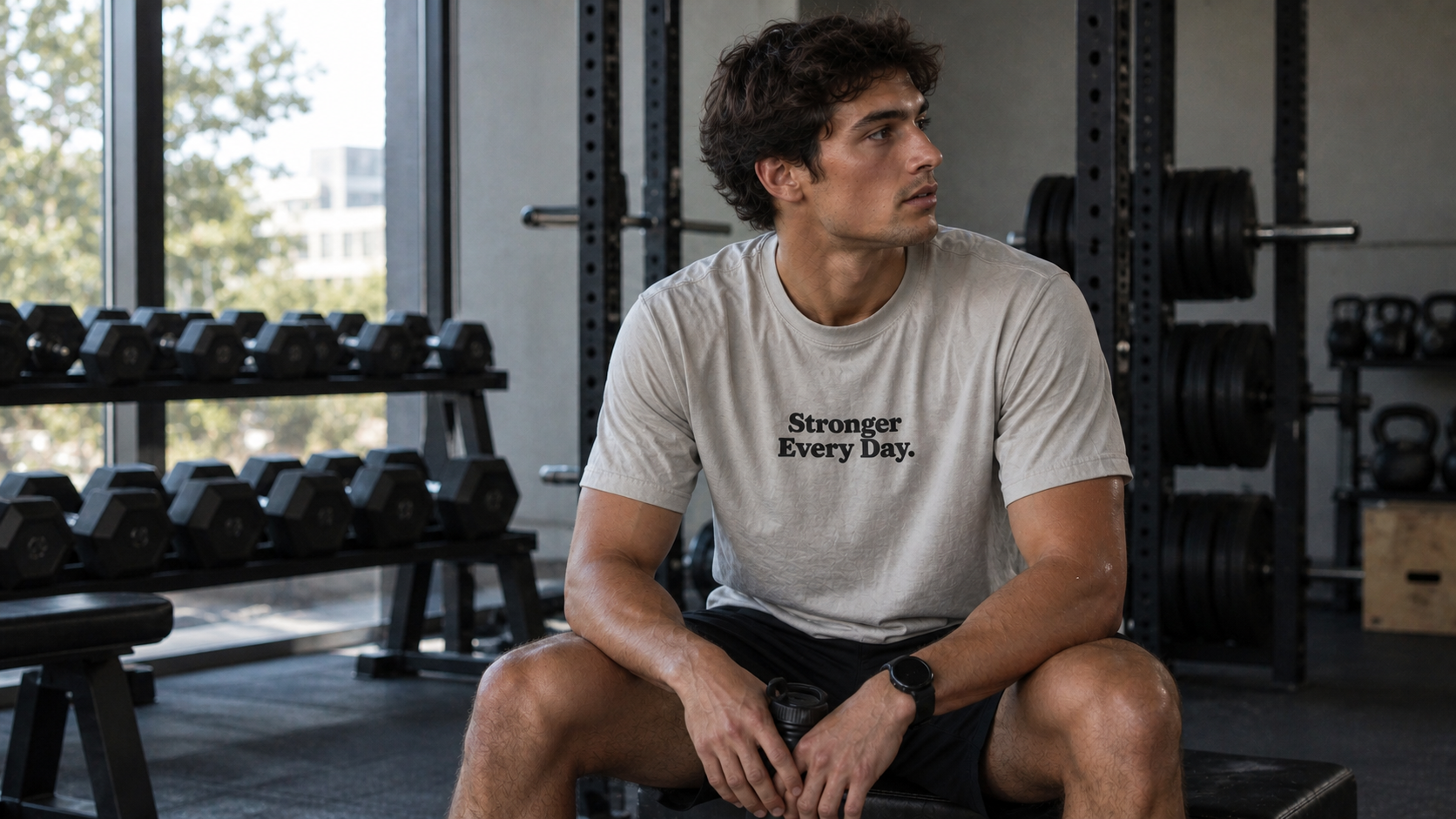
A quote can be a simple starting point for a text-based design.
A sports brand could use a short phrase associated with its audience. A fitness brand might use a motivational line. A music-inspired brand could build a product around a phrase that resonates with its community.
Keep it short. Instead of using an entire quote, look for the few words that communicate the idea.
Also, make sure you have the appropriate rights to use a quote or phrase commercially before putting it on a product.
4. Make Your Audience Laugh
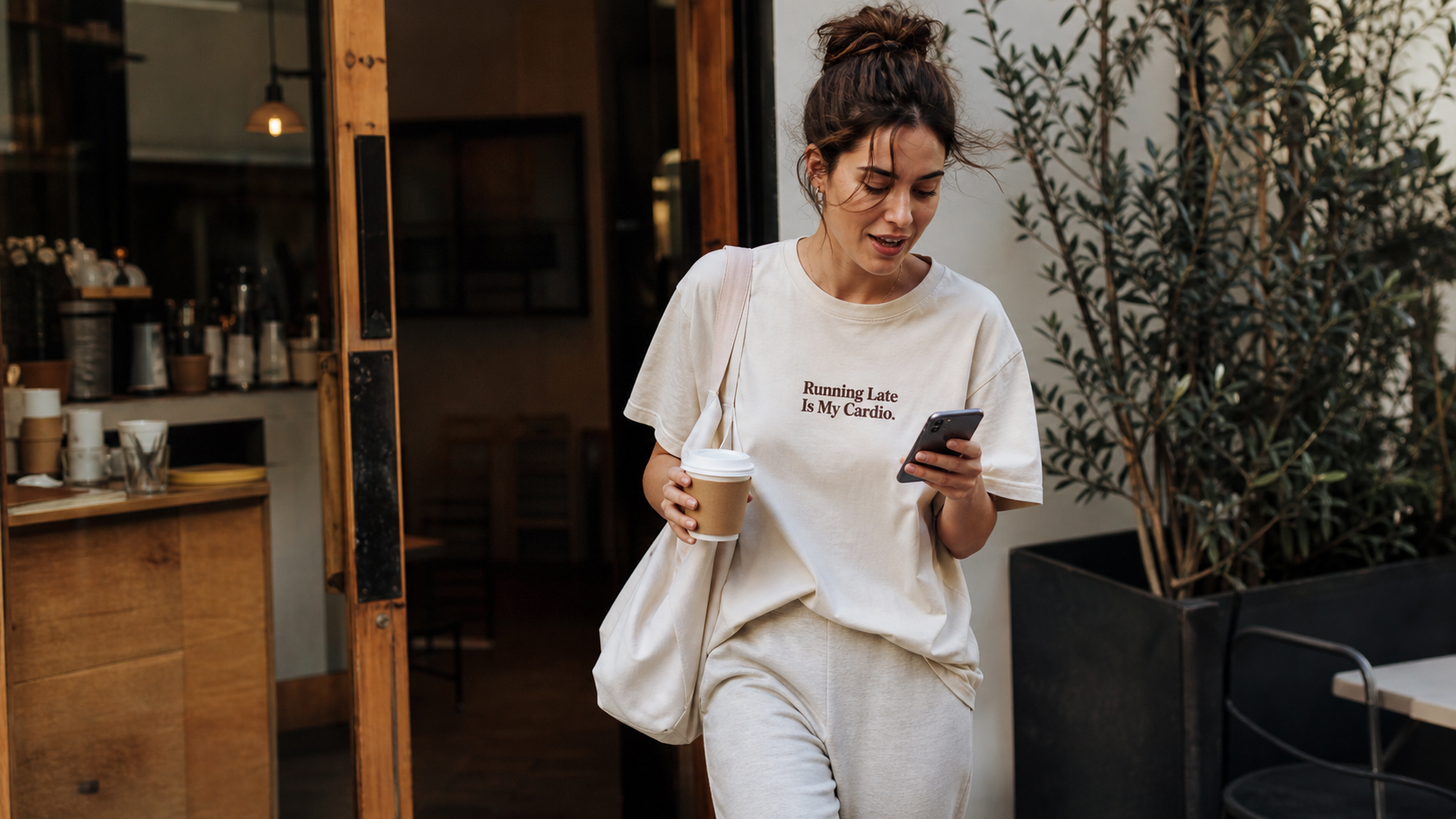
A funny shirt doesn’t need a complicated design.
Jokes, observations, niche references, and inside humor can all work when they’re relevant to your audience.
For example:
Running Late Is My Cardio
Probably Overthinking This
Coffee First.
The simpler the joke, the more room you have to use typography to give it personality.
Try a playful script, retro display font, or bold groovy typeface depending on the style you’re going for.
5. Make It Personal With a Name
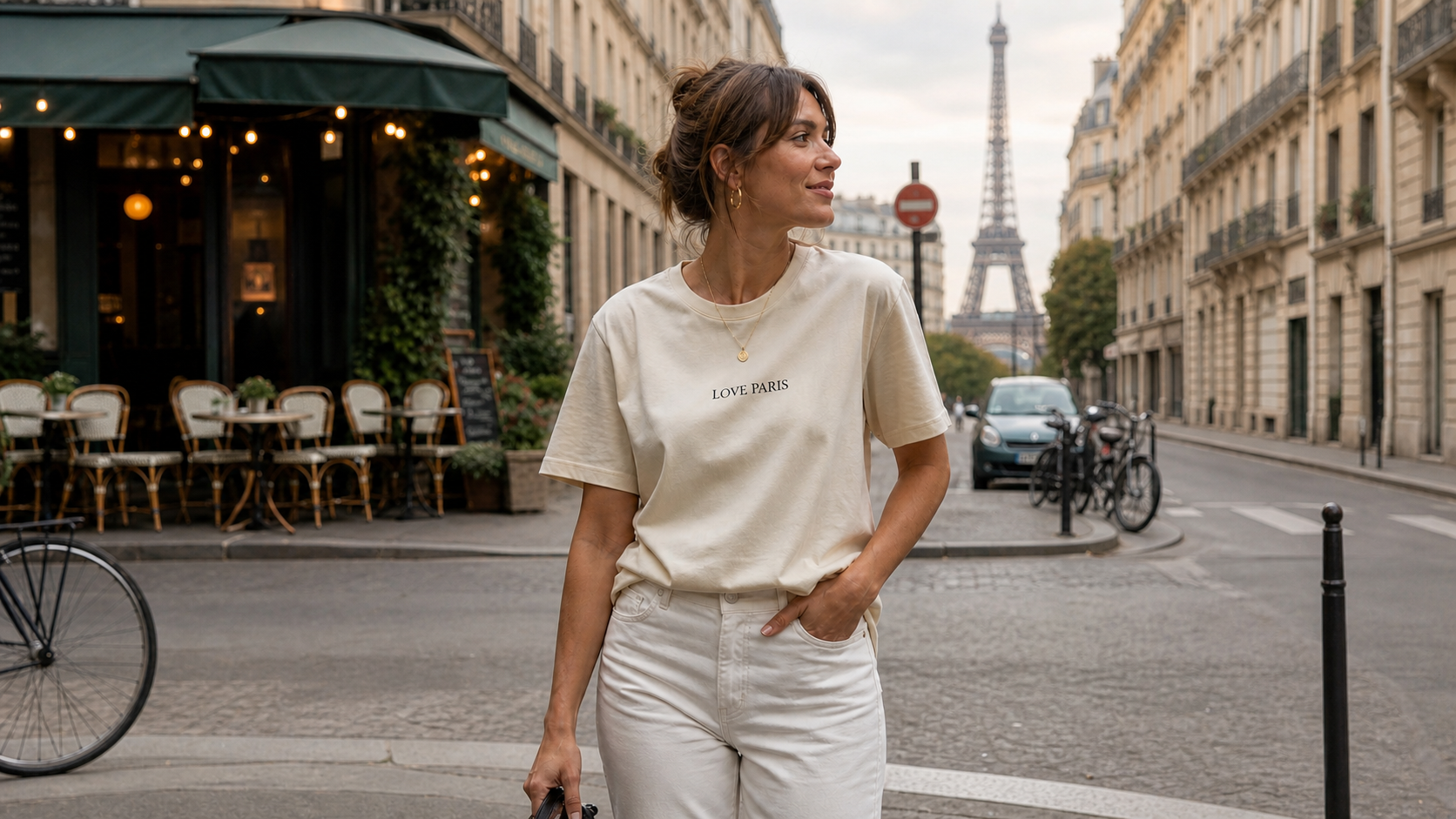
Sometimes a single word is enough.
Consider using:
- A city
- A neighborhood
- A team
- A community
- A hobby
- A profession
- A nickname
A wordmark can become a strong apparel design when your audience already has a connection to the word.
For a classic look, try centered text. For something more subtle, use a small left-breast placement.
Finding the Right Font
Once you have the words, the font becomes part of the design.
You can find new typefaces from sites such as:
- Google Fonts — free fonts in a wide range of styles.
- DaFont — a large collection of decorative, retro, handwritten, and display fonts.
- Adobe Fonts — professional typefaces available with Adobe Creative Cloud.
- Font Library — another source for discovering free fonts.
Choose a font based on the message. A serious statement might work with a bold serif. A funny phrase could use something more playful. A vintage message might need a retro display font.
The goal isn’t to find the most interesting font. It’s to find one that makes the words feel right.
Use Your Font to Build Your Brand
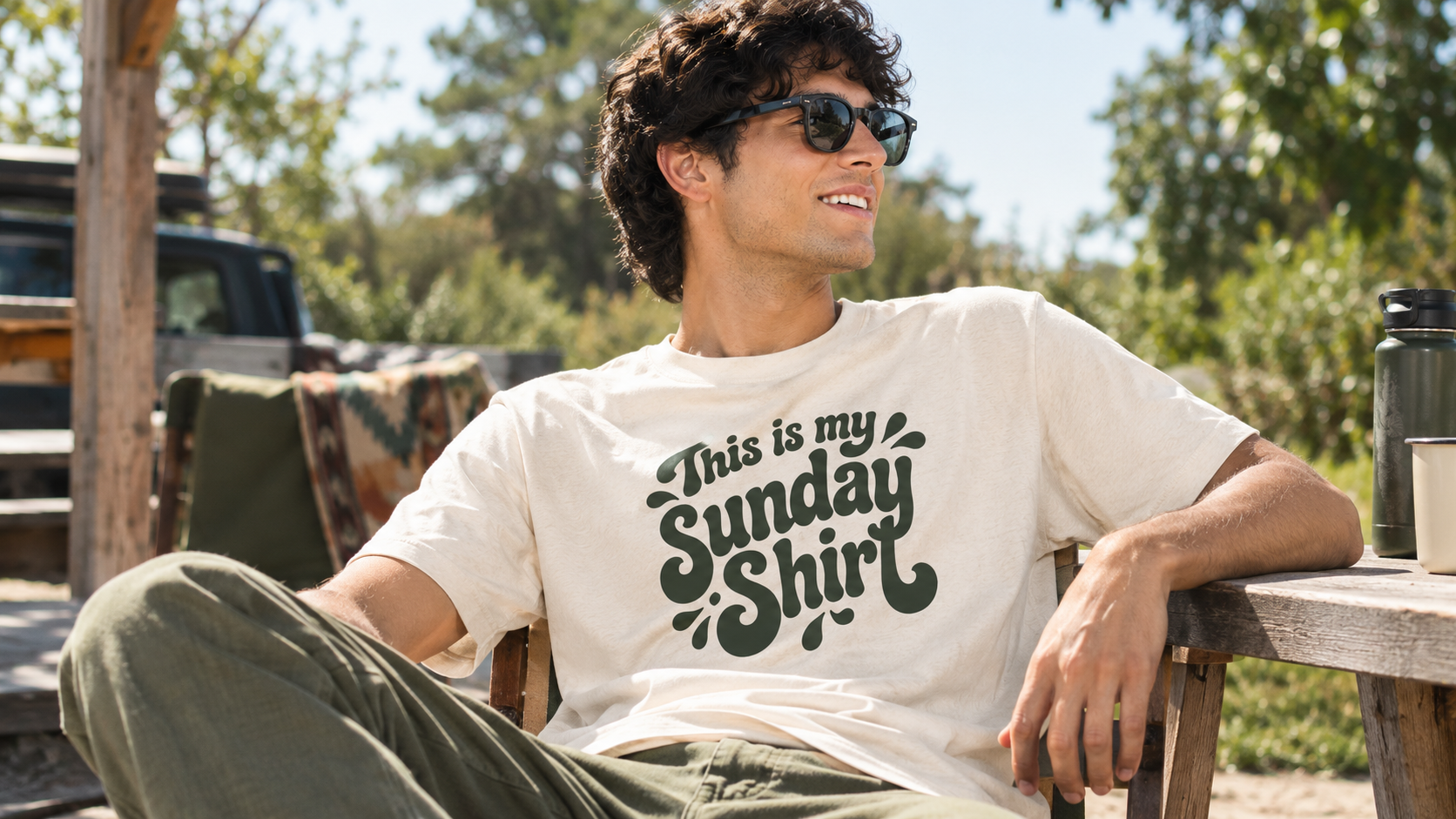
If your brand already uses a specific typeface, you can bring that same font into your apparel designs.
With Apliiq’s Customizer, you can load fonts directly from your computer and use them to create your products. You can experiment with different sizes, placements, and garment colors before creating your production-ready artwork.
Want to see how to add custom text?
Start With the Words
Your next apparel design doesn’t need to start with a complicated graphic.
Start with: A belief. An ideal. A quote. A joke. A label.
Then choose a font that gives it the right personality.
Try it on the center chest. Move it to the left breast. Change the font. Test another garment color.
With Apliiq’s Customizer, you can load fonts directly from your computer and turn a simple text idea into production-ready apparel.
Sometimes, that’s all you need.