
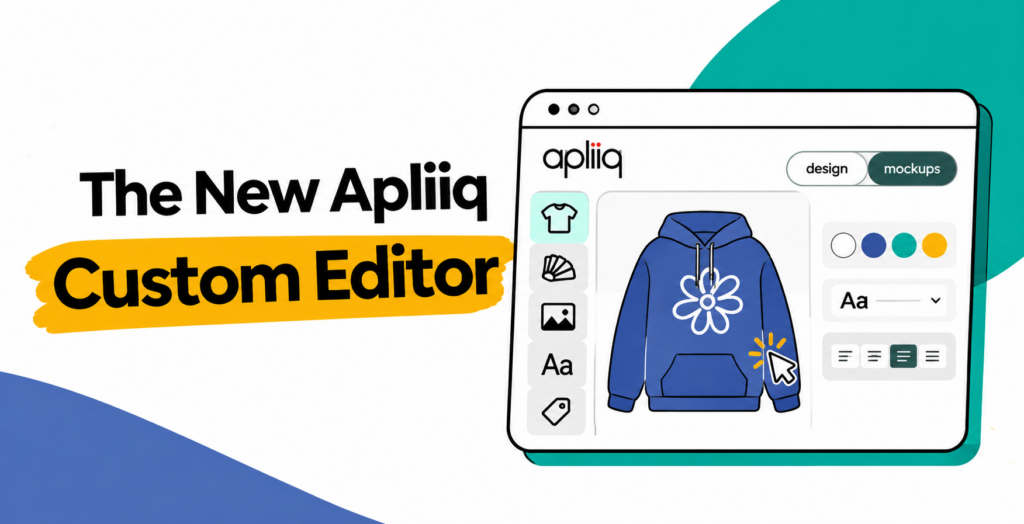
The new Apliiq custom editor lets you change a saved product and keep it ready to sell. You no longer need to rebuild a product from scratch to update artwork, colors, or branding.
Watch the walkthrough here:
What’s new
There are three huge improvements.
- Update products faster. Change artwork, colors, branding, placements, and decoration methods in one workspace.
- Sell with confidence. The editor saves your latest changes before you buy or publish, so your products and store listings stay accurate.
- Get more from every design. Create enhanced mockups, manage multiple colors, or copy an existing design onto a new garment.
Featured capabilities

- Edit saved products without starting over
- Manage every product color in one workspace
- Automatically generate high-quality product mockups
- Copy designs onto different garments
- Save, buy, and add products to your store through one connected workflow
Key benefits
- Update products without starting over. Change artwork, product colors, placements, decoration methods, branding, and other product details while keeping the product family you already created.
- Create products faster. Move from the Customizer into the Product Editor. Your design is saved before you buy, add it to your store, or continue editing, so you don’t repeat setup work.
- Keep store products current. See whether your saved design, mockups, and connected store listing are up to date. When you make changes, you can update your product before future orders are produced.
- Buy the exact color you want. Choose a product color directly above the Buy button. Your workspace and mockups update to match, and only that selected color is added to your cart.
- Create better product images. Use quick mockups immediately, then generate enhanced high-resolution mockups when they are available for your product. You can continue buying or publishing without waiting for them.
- Reuse your best designs. Copy an existing product onto a different garment. Artwork and placements carry over, selected colors map where possible, and anything that needs your attention is flagged.
- Protect your production details. Artwork size, location, decoration method, embroidery information, branding, notes, and placement instructions stay connected to your saved product.
- Make changes with confidence. The Product Editor identifies unsaved changes and saves them before you buy or add a product to your store. You can also review previous versions without changing them by accident.
Edit a saved product without starting over
Open a saved product and change what you need while keeping the product family you already created. You can:
- Add, remove, replace, resize, rotate, and reposition artwork
- Change decoration methods
- Recolor artwork or add an outline
- Remove white backgrounds
- Add and edit text using fonts installed on your computer
- Preserve digitized embroidery files and production information
- Add artwork notes and placement instructions
Changes to a saved design apply to future orders, not open orders.
New to the editor? Get Started With the Product Editor covers the layout, the toolbar, and the action panel.
Manage every color in one workspace
- Add or remove garment colors
- Preview each selected color in the workspace
- View mockups for the active color
- Select the exact color you want to buy
- Manage related color designs as one product family
To buy, choose the color directly above the Buy button. The workspace and mockups update to match, and only that color is added to your cart.
Mockups
Quick mockups appear right away. Enhanced high-resolution mockups are generated when they are available for your product.
- Receive quick product images without waiting
- Generate enhanced high-resolution mockups when supported
- Automatically regenerate mockups after meaningful saved changes
- Follow progress as each image is completed
- Pause mockup generation when needed
- Zoom in to inspect enhanced mockups
- View mockups for only the currently selected color
- Continue to Buy or Add to Store without enhanced mockups
If you add a product to your store before its mockups are ready, those mockups are not included in the store listing.
Save and update with confidence
- Clearly see when your product has unsaved changes
- Automatically save before Buy or Add to Store when necessary
- Save artwork and text changes before saving the product
- Keep all related product colors connected
- Review previous product versions in view-only mode
- Avoid accidentally modifying a design that belongs to another account
Buy and publish products
- Buy the color currently displayed in your workspace
- Add your completed product to a connected store
- Continue automatically after required changes are saved
- Update products already connected to your store
- Open a newly created product directly in your store
- See whether your connected product is current
Copy a design onto a different garment
To create a new version of a product that is selling well:
- Start a new design from the complete Apliiq catalog
- Change the base garment for a product
- Browse the entire catalog or view similar replacements
- Copy an existing design onto a new garment
- Carry artwork into corresponding garment views
- Map selected colors to the closest available alternatives
- Review the copied product in a new browser tab
Review your product details
Expand your product summary to see:
- Artwork thumbnails
- Artwork filenames
- Print dimensions
- Garment views and placements
- Decoration methods
- Branding thumbnails
- Branding types
- Branding locations
Try it
Sign in to your Apliiq account, open Saved Designs, and select a product to open it in the Product Editor. You can also start a new design in the Customizer and move straight into the editor. Your design is saved before you buy it or add it to your store.